final roadmap
Hi, I’m Saurabh Singh Rajput, a 2nd-year CSE student at IIIT Bhagalpur, passionate about building scalable web apps and exploring full-stack development.
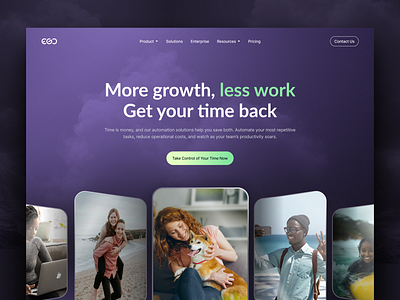
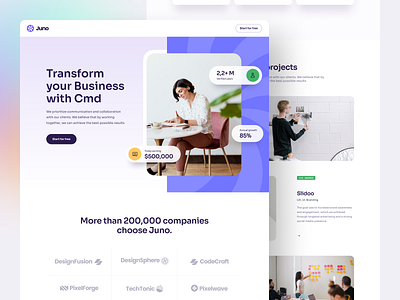
📌 1. Landing Page → (First page user sees)

User actions:
CTA buttons: Get Started, Login
Public features preview
Branding + screenshot of dashboard
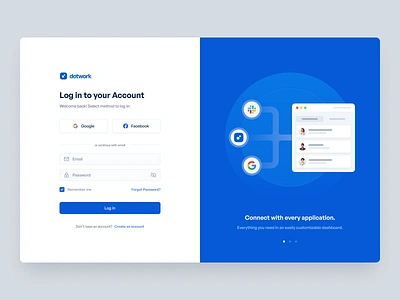
📌 2. Signup / Login Page


Flow:
User enters email + password
OAuth options (Google, GitHub optional)
After signup → Onboarding
After login → Dashboard
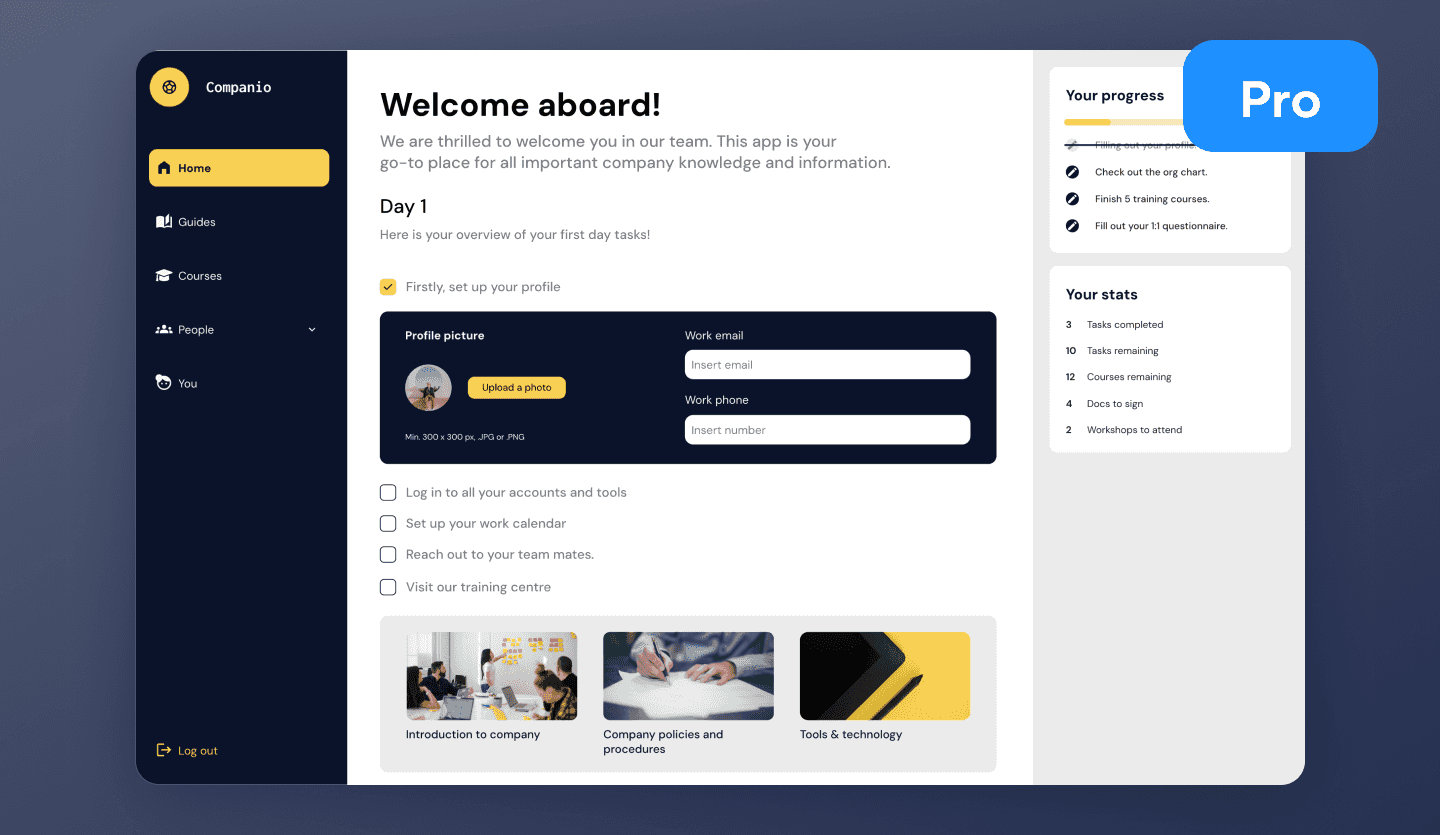
📌 3. Onboarding (Only first time)
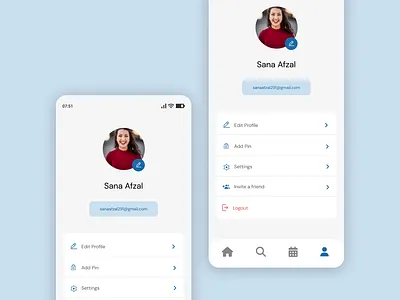
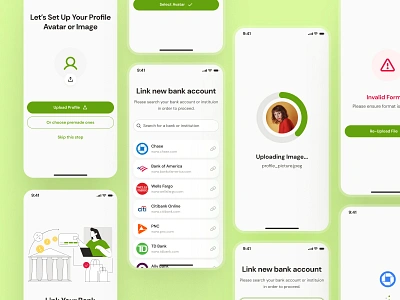
User completes:
Name
Username
Avatar upload
Short bio
Redirect → Dashboard
📌 4. Main Dashboard (Central Hub)


Dashboard shows:
Profile snippet
Quick stats (Notes, Blogs, Files)
Recent activity
Quick buttons → Create Note, Write Blog, Upload File
📌 5. Notes Page (CRUD System)


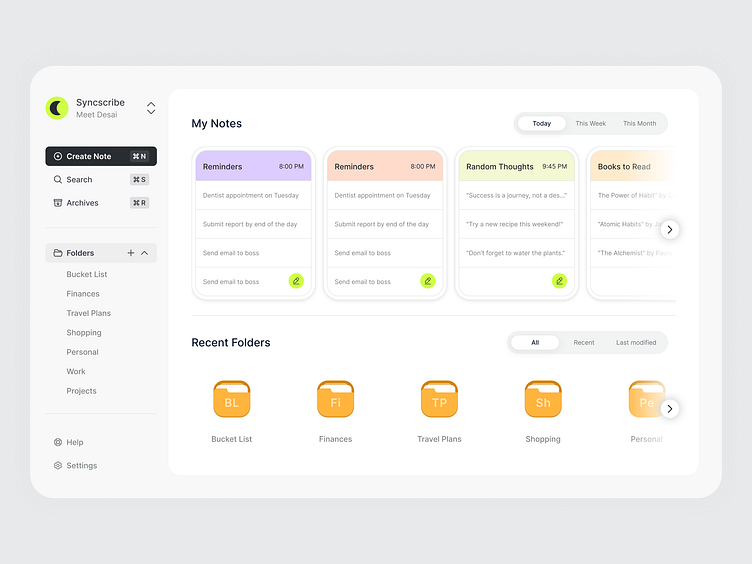
Full features:
Create, edit, delete notes
Search notes
Pagination
Realtime updates (optional)
📌 6. Files Page (Storage System)
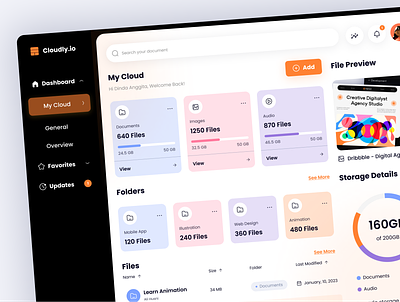
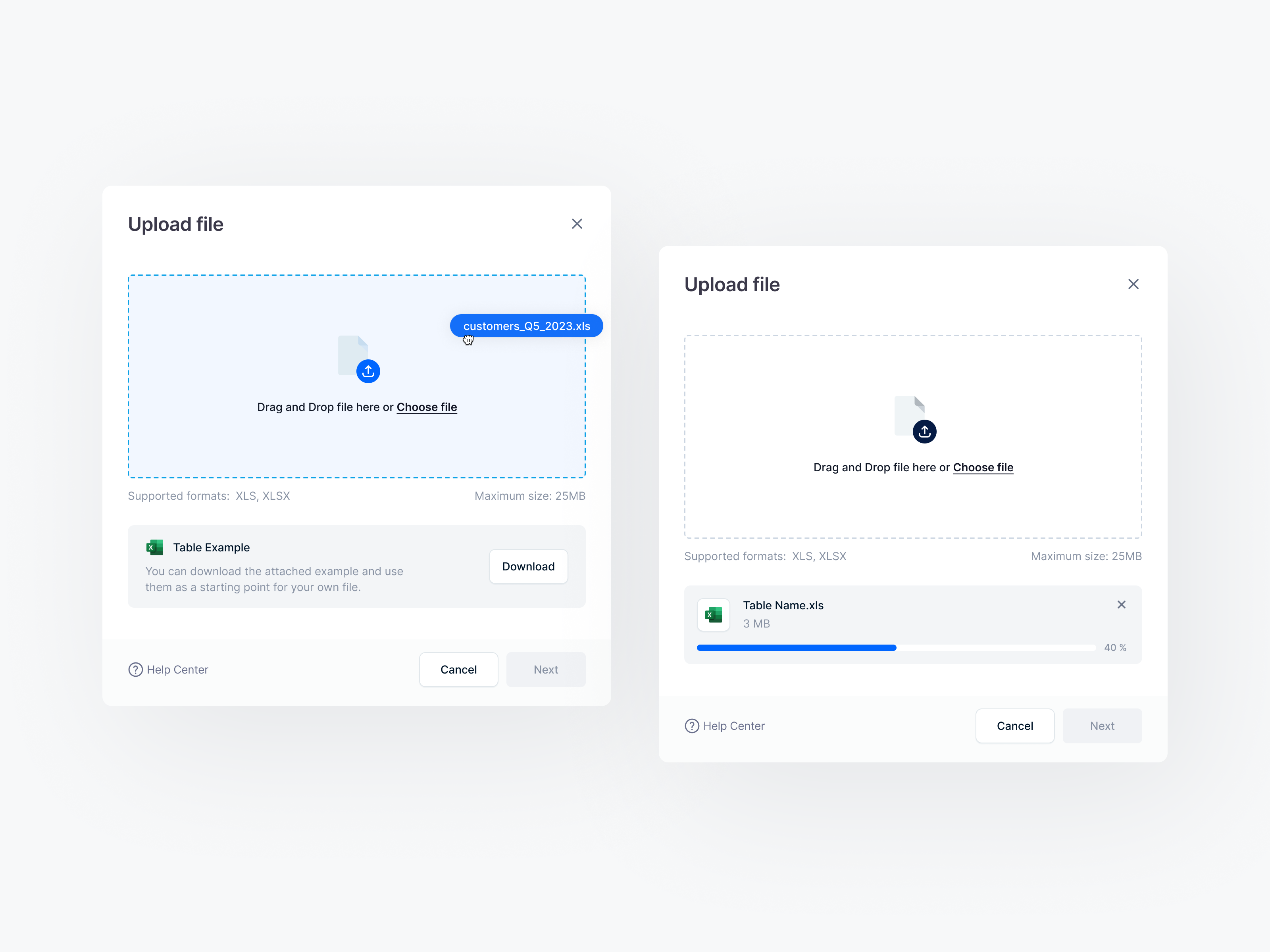
User can:
Upload files → private bucket
View file list
Download using signed URLs
Preview images / pdf
Delete files
📌 7. Blogging System (Public + Private)
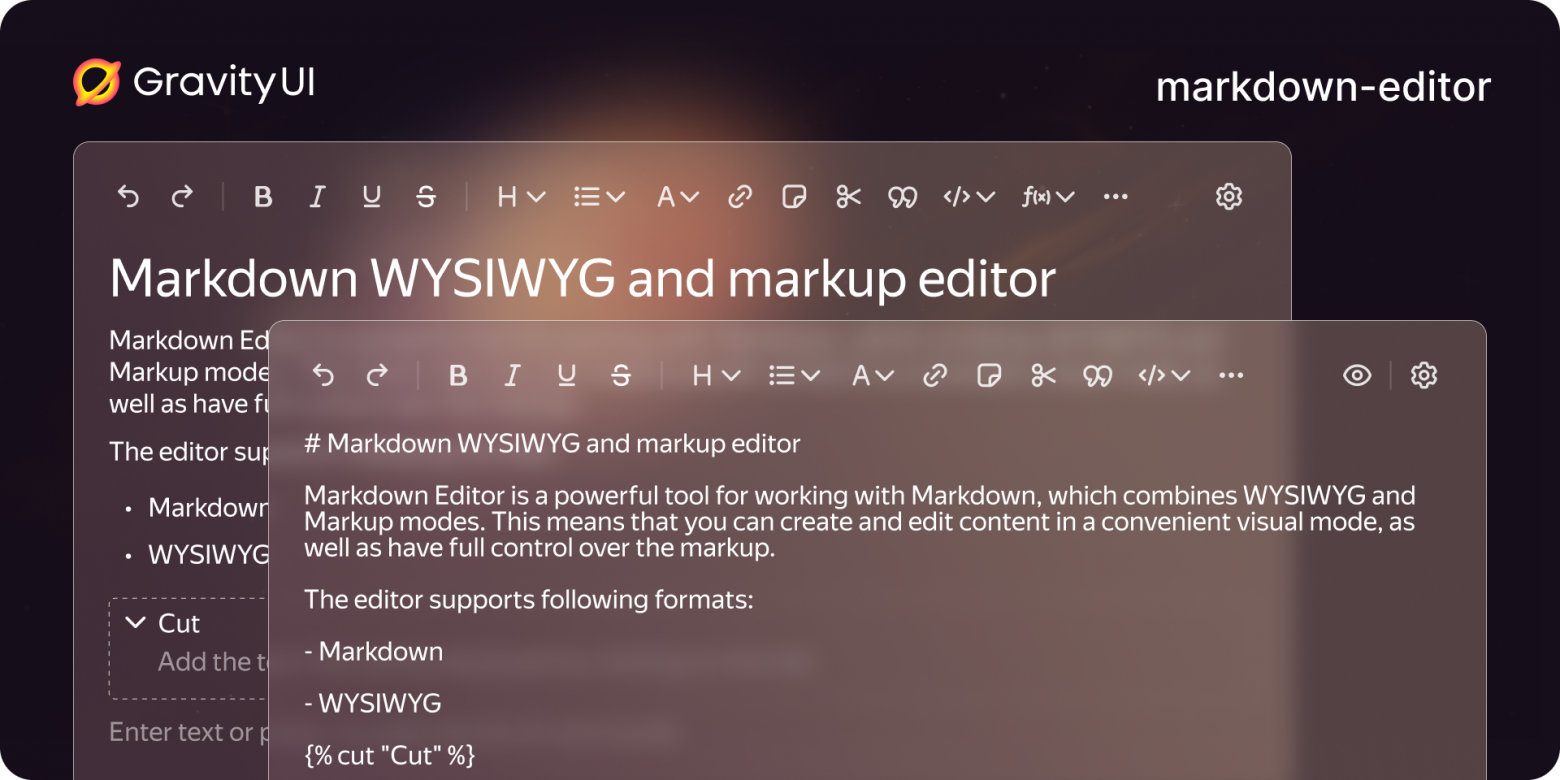
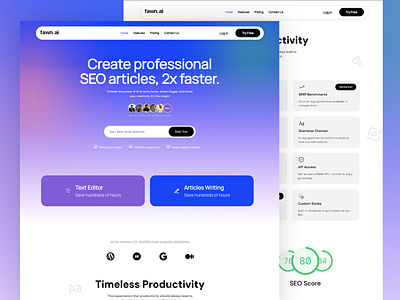
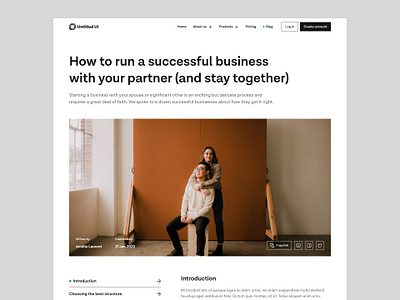
User can:
Write blogs using markdown
Add embedded images
Auto slug generation
Publish / unpublish
Realtime comments
📌 8. Realtime Features (Notes + Comments + Presence)

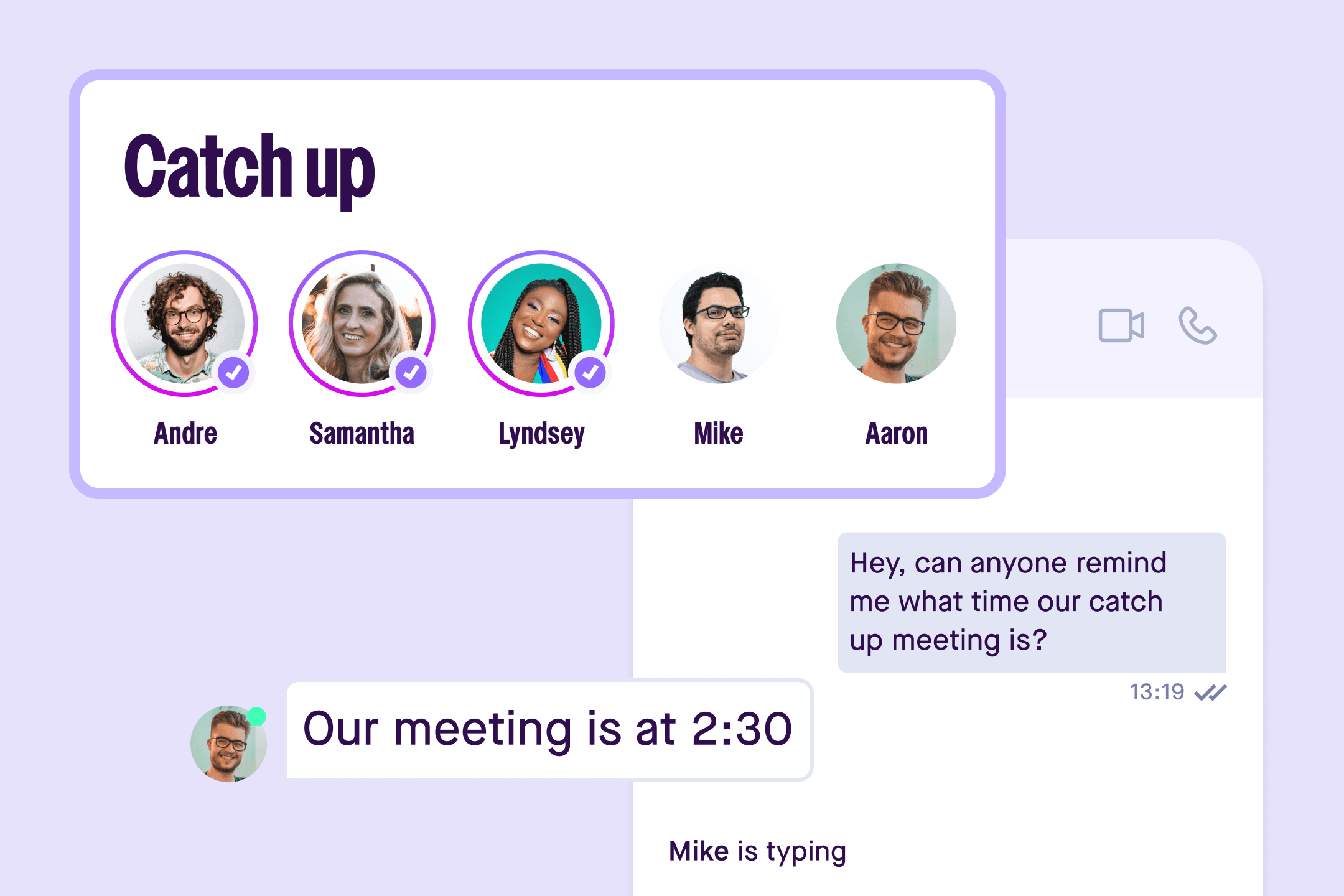

Visible effects:
Comments update instantly
Notes sync in real-time
Online users visible in sidebar
📌 9. Admin Panel (Restricted Access)
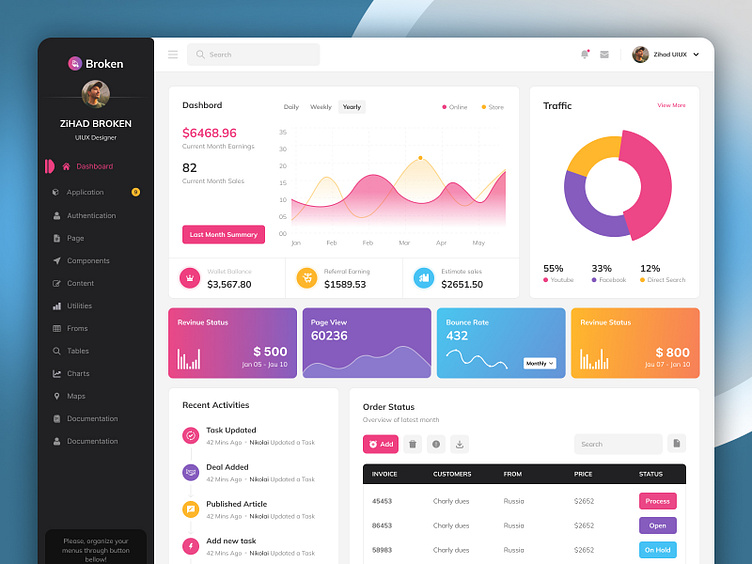

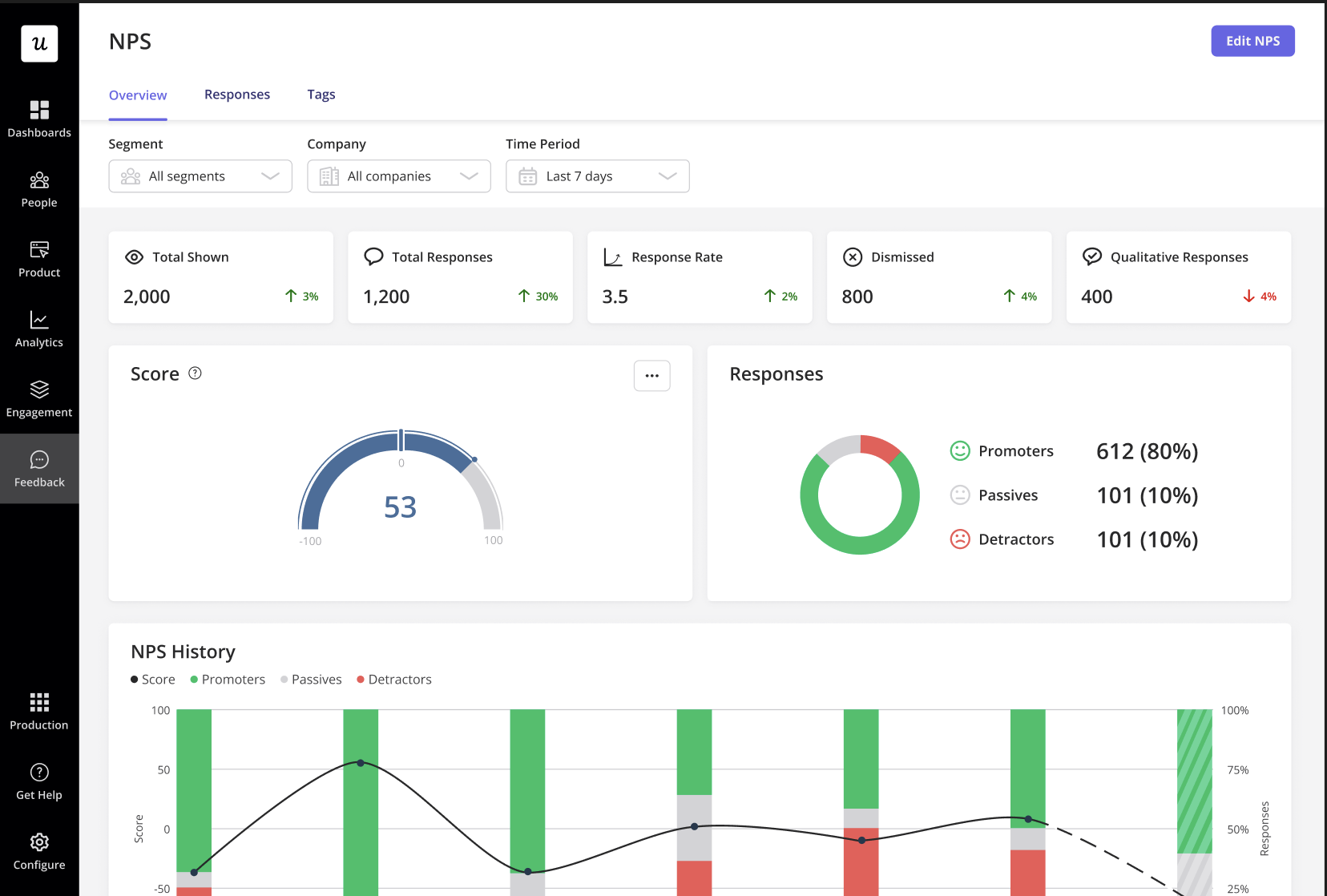
Admin can:
View all users
Check total notes, blogs, files
Remove bad content
Promote/demote admins
View analytics charts
🎯 Final Future Flow — Visual Summary (User Journey)
1️⃣ Landing →
2️⃣ Login/Signup →
3️⃣ Onboarding →
4️⃣ Dashboard →
5️⃣ Notes →
6️⃣ Files →
7️⃣ Blogs →
8️⃣ Realtime Updates →
9️⃣ Admin Panel (if allowed)
This is exactly how any modern SaaS app (Notion, Dropbox, Medium, Linear) works.